






 Google Workspace Overview
 Gmail
Gmail
 Google Calendar
 Google Drive
 Google Editors
 Google Docs
 Google Sheets
 Google Slides
 Google Forms
 Google Sites
 Google Keep
 Google Vids
 Google Chat
 Google Admin
 Endpoint Management
 Remote Desktop
 Looker Studio
 Apps Script
 Workspace Studio
 Vault
Vault AppSheet
 Gemini
 Gemini Notebook
 Pricing
 Google Cloud Overview
 Cloud Run
 Compute Engine
 Cloud Storage
 BigQuery
 Google Kubernetes Engine
 Looker
 Apigee API Management
 Cloud SQL
 Gemini Enterprise
 Cloud CDN
 Microsoft
365 Overview
Microsoft
365 Overview Microsoft Outlook
 Microsoft Teams
 Microsoft Excel
 Microsoft Word
 Microsoft OneDrive
 Microsoft PowerPoint
 Microsoft SharePoint
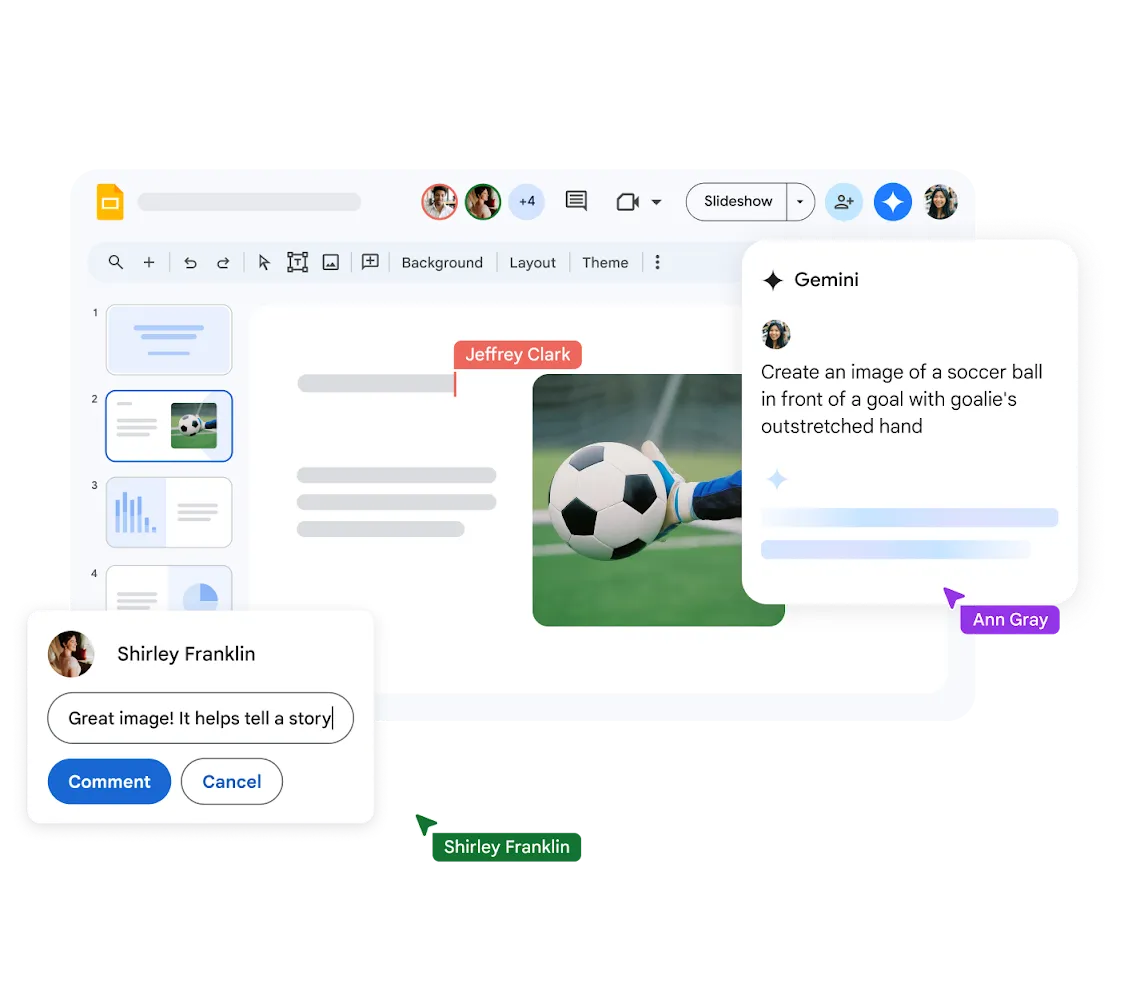
Collaborative Presentations in Real Time
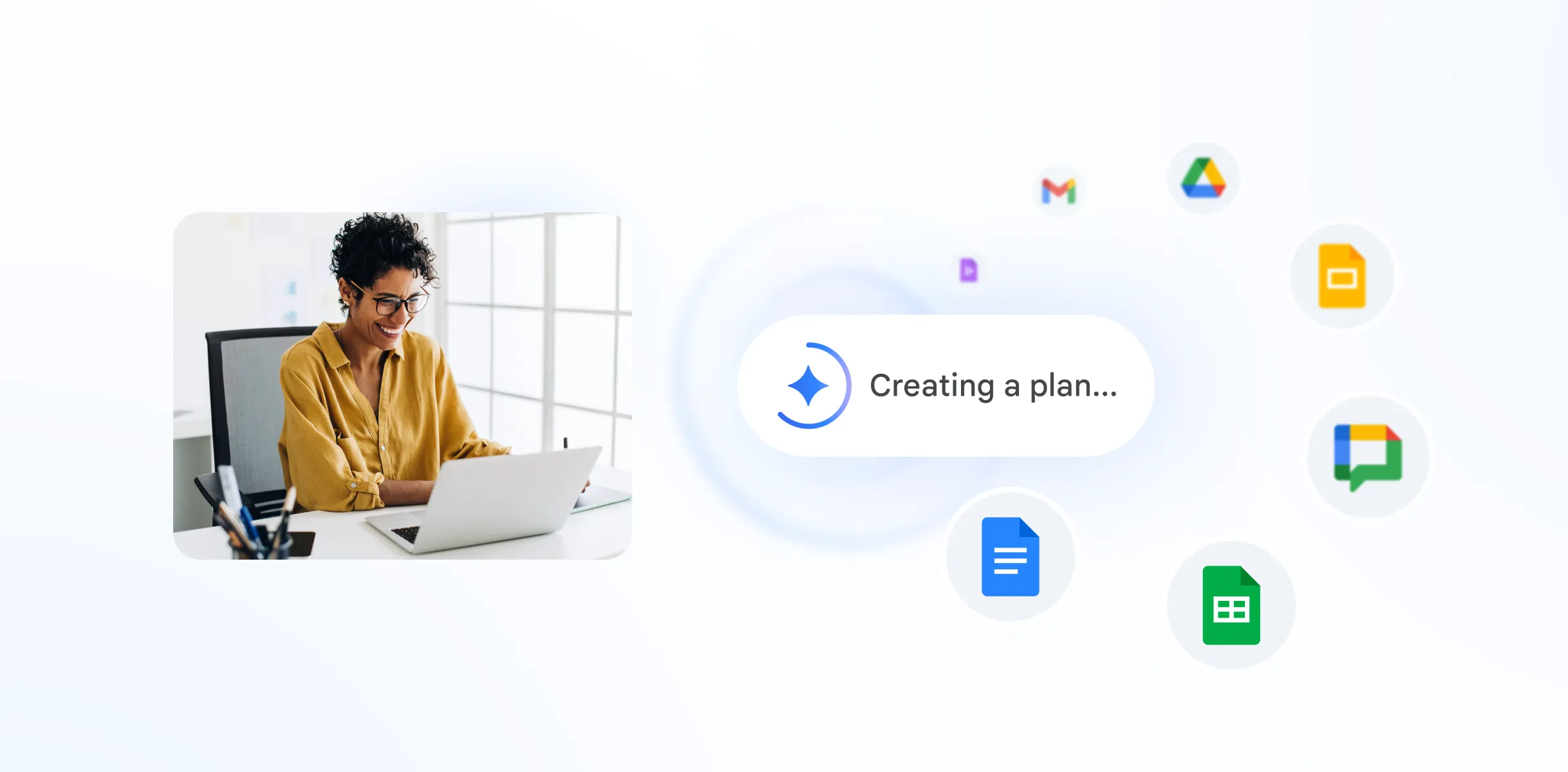
Google Slides lets you work on the same presentation with your team members simultaneously in real time - ideal for rapid brainstorming.
Anyone can view, edit, or present - significantly increasing team velocity inside the Google Workspace environment.
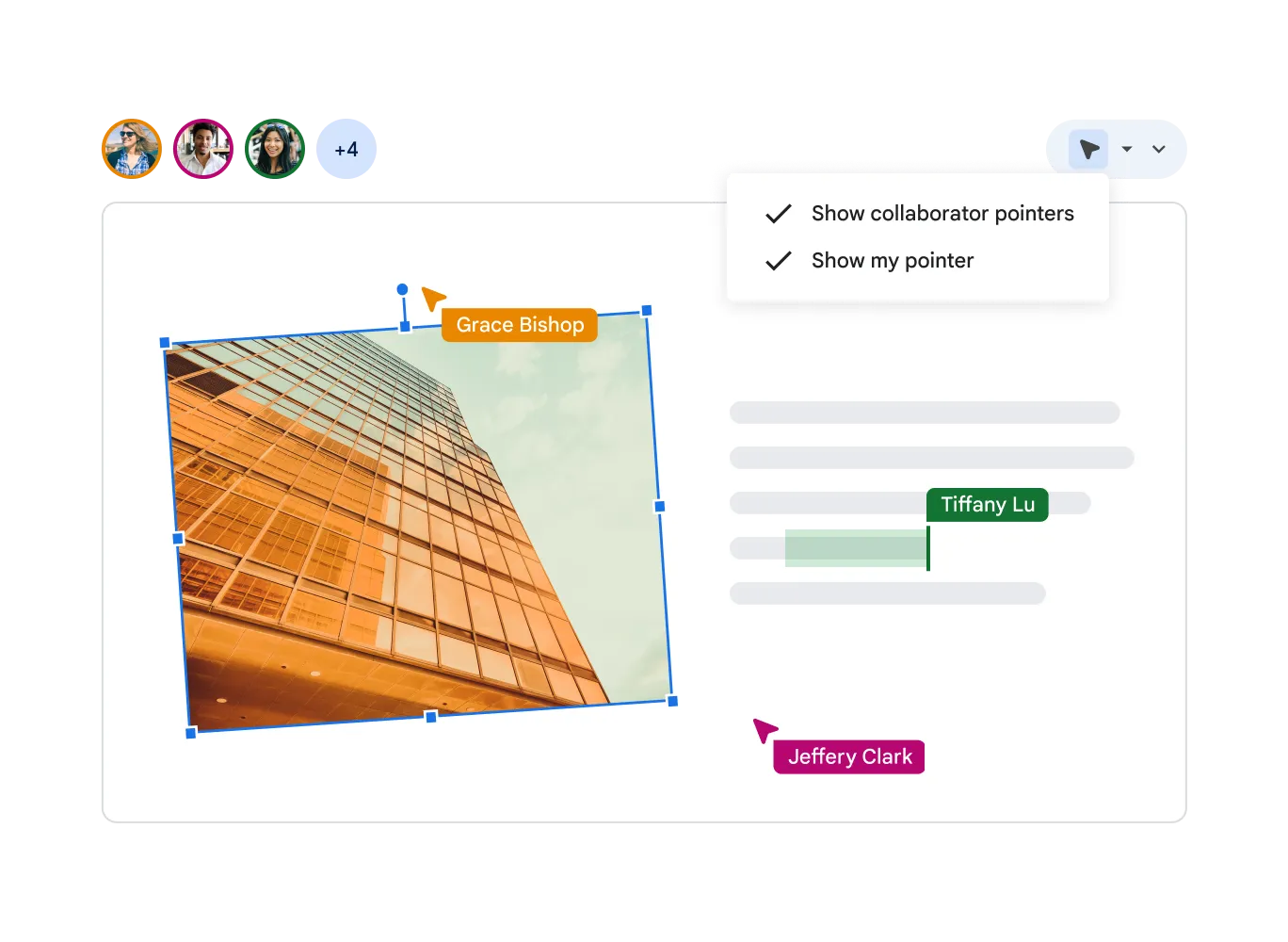
Access and Present from Anywhere
Google Slides gives you automatic access to your slides online or offline. Present from a laptop, tablet, or smartphone at the highest quality.
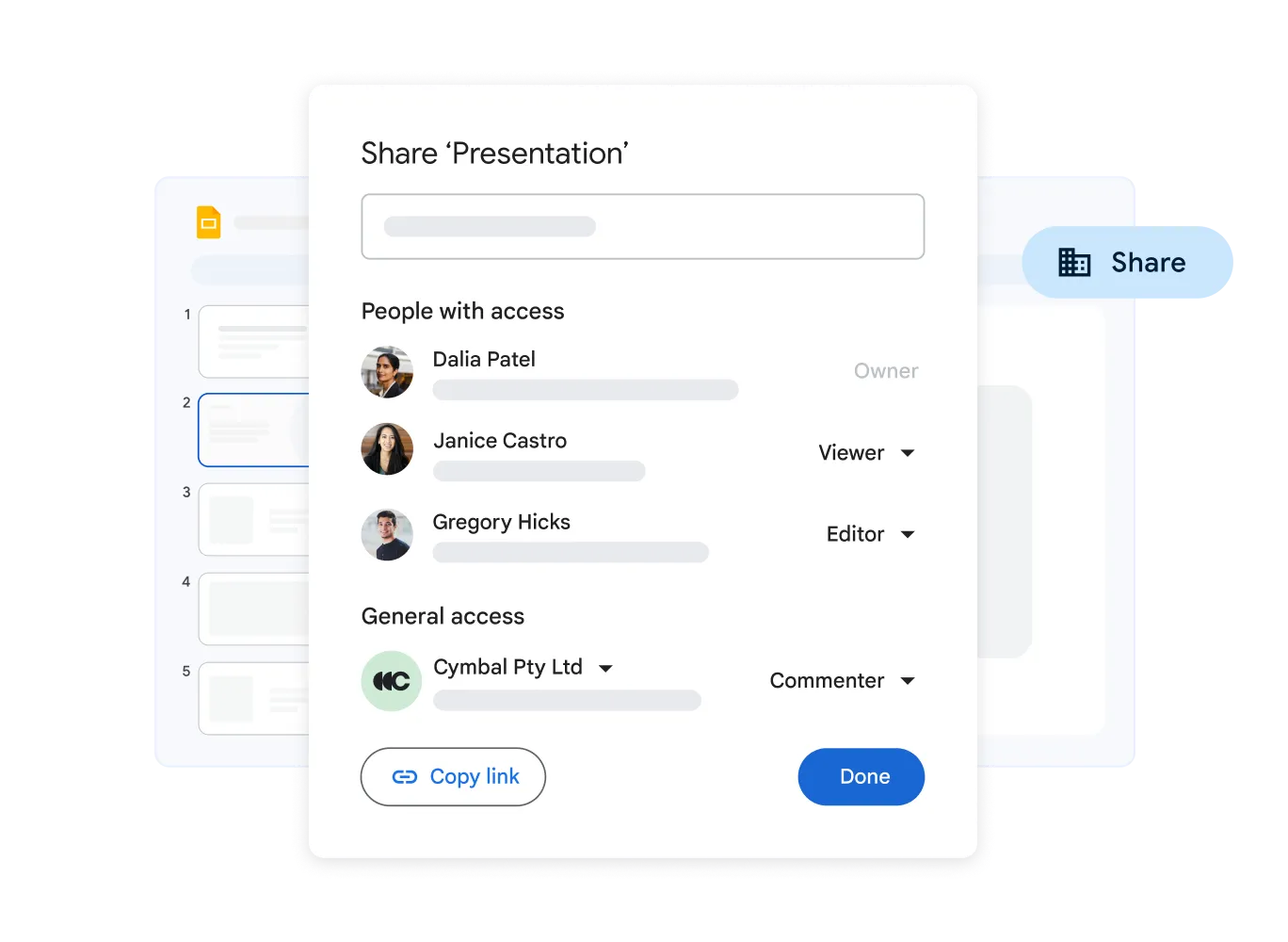
Seamless Google Workspace Integration
Google Slides integrates perfectly with Google Drive for secure storage and Google Meet for seamless calls. Share slides and manage them directly during a video call.
Professional Design with Smart Tools
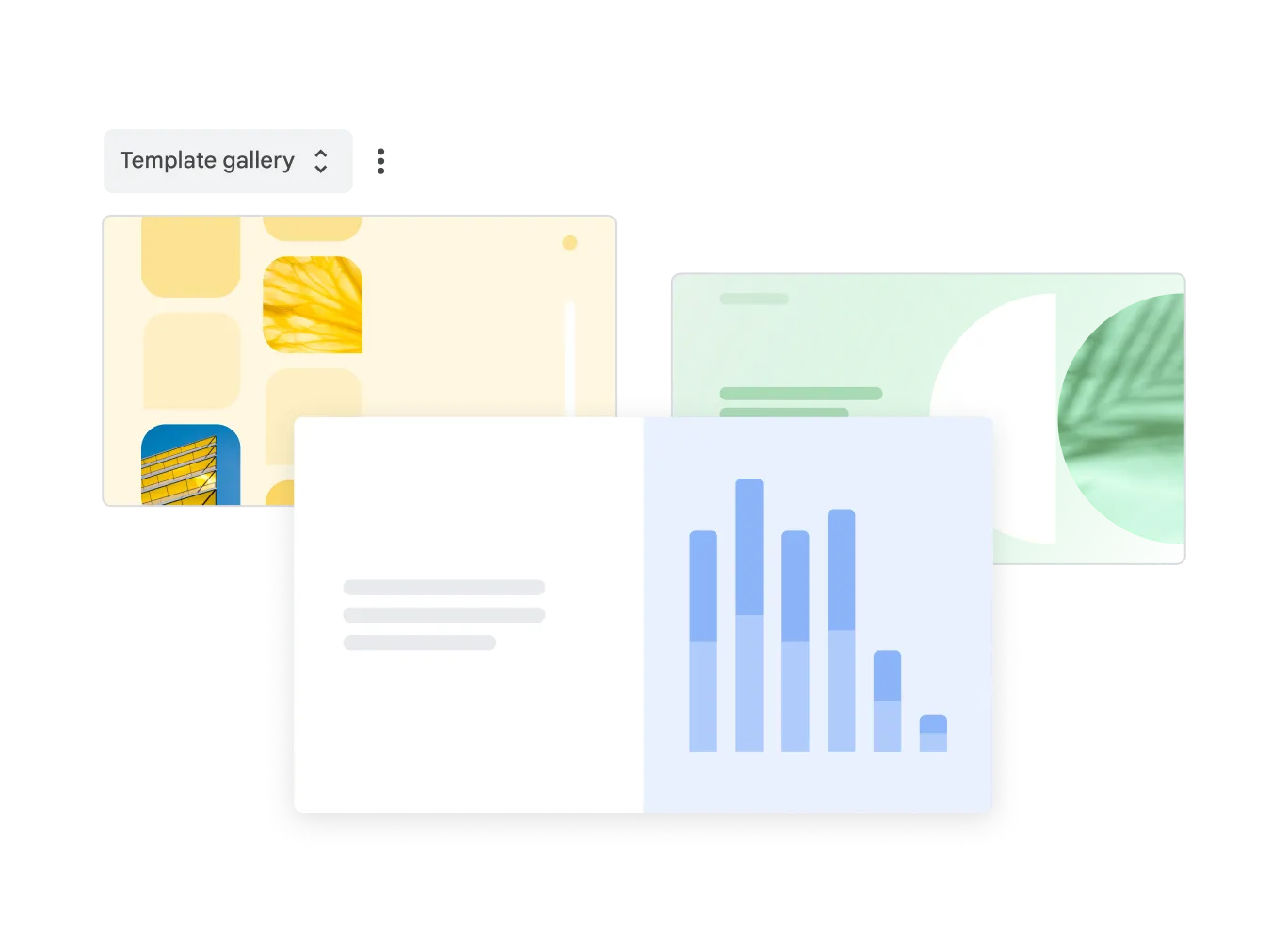
Google Slides offers smart visual design tools: ready-made templates, animations, speaker notes, and a Q&A module for audience interaction.
Convert Multiple Presentation Formats
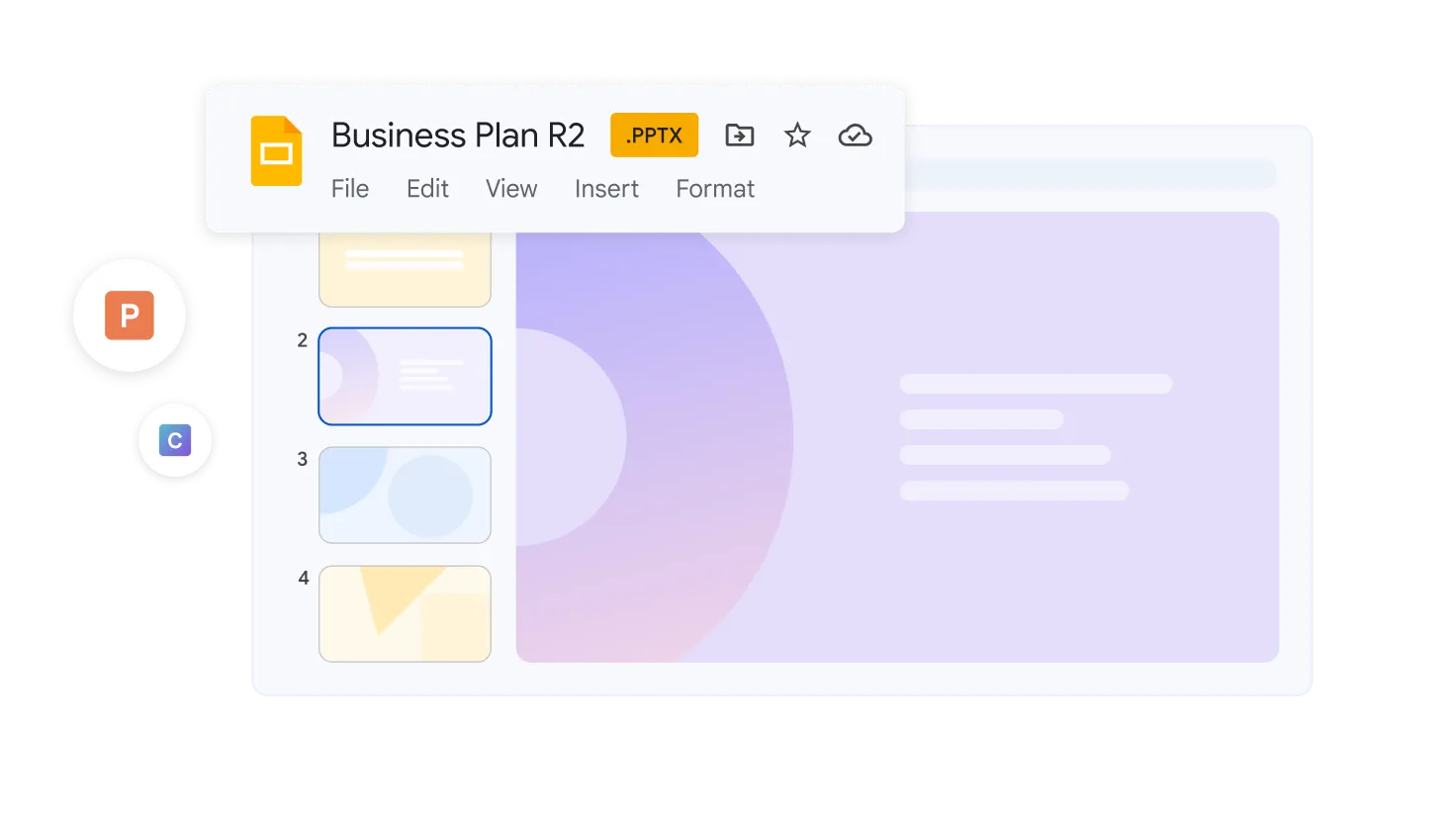
Open and edit Microsoft PowerPoint (.ppt, .pptx) presentations with full compatibility - fonts, design, and transitions preserved.
- Automatic Saving
- Changes are automatically saved to Google Drive, eliminating data loss and always ensuring access to the latest version.
- Available on All Devices
- Open, edit, and present slides from any device. Always be ready for your next presentation.
- Real-Time Collaboration
- Work on presentations with others simultaneously. See who is on which slide and leave comments easily.
Frequently Asked Questions
Google Slides
Start Using Google Slides Today
Team presentations, from any device, at any time. Part of Google Workspace.