








 Google Workspace Overview
 Gmail
Gmail
 Google Calendar
 Google Drive
 Google Editors
 Google Docs
 Google Sheets
 Google Slides
 Google Forms
 Google Sites
 Google Keep
 Google Vids
 Google Chat
 Google Admin
 Endpoint Management
 Remote Desktop
 Looker Studio
 Apps Script
 Workspace Studio
 Vault
Vault AppSheet
 Gemini
 Gemini Notebook
 Pricing
 Google Cloud Overview
 Cloud Run
 Compute Engine
 Cloud Storage
 BigQuery
 Google Kubernetes Engine
 Looker
 Apigee API Management
 Cloud SQL
 Gemini Enterprise
 Cloud CDN
 Microsoft
365 Overview
Microsoft
365 Overview Microsoft Outlook
 Microsoft Teams
 Microsoft Excel
 Microsoft Word
 Microsoft OneDrive
 Microsoft PowerPoint
 Microsoft SharePoint
Collaborative Data Analysis with Google Sheets
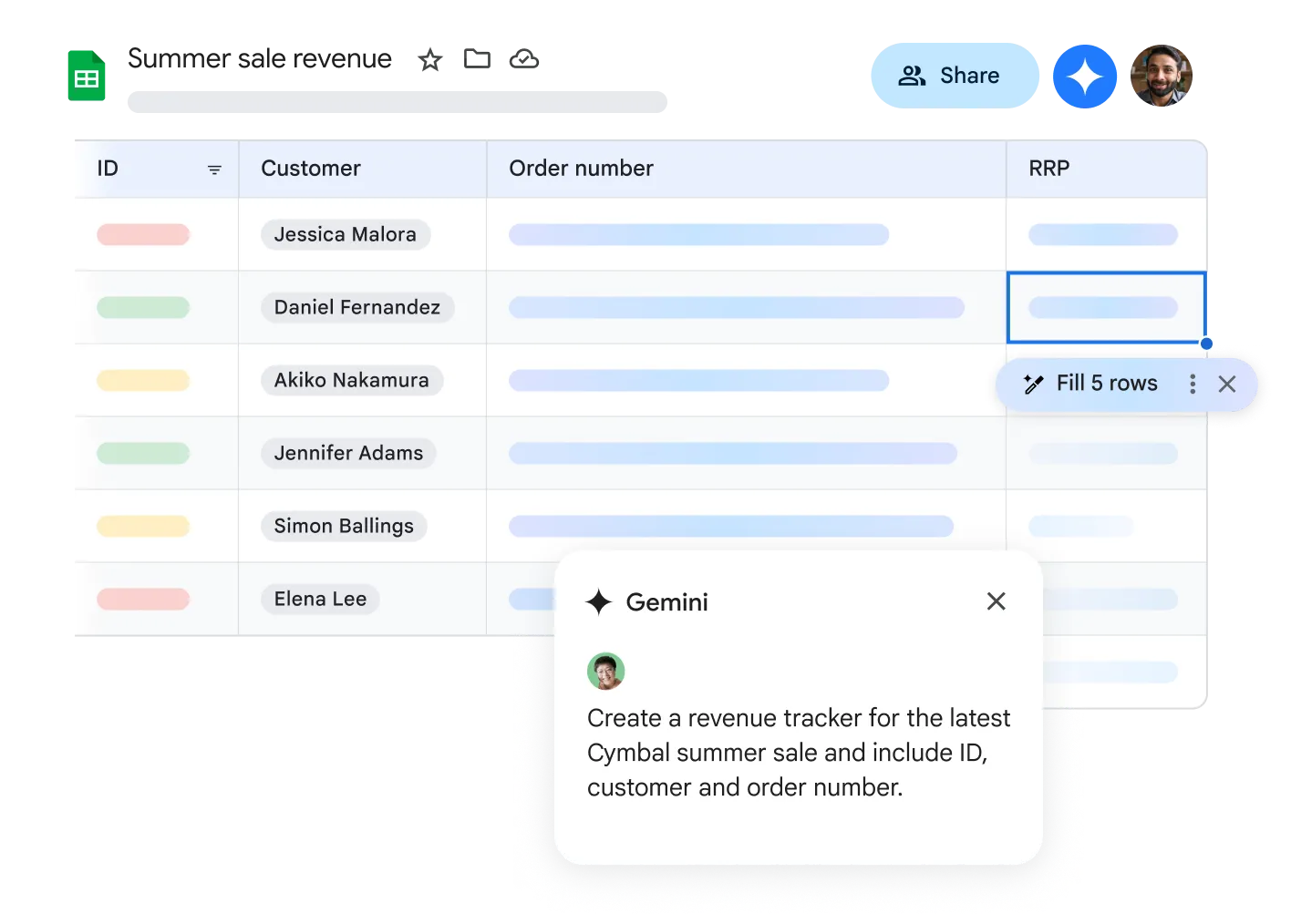
Google Sheets lets multiple users work on the same spreadsheet simultaneously, making it ideal for financial and analytics teams.
Team members can jointly view, edit, and analyze data - significantly boosting productivity inside the Google Workspace ecosystem.
Access and Analyze from Anywhere
With Google Sheets, you can access your spreadsheets from any internet-connected device. The offline mode keeps you productive even without an internet connection.
Seamless Google Workspace Integration
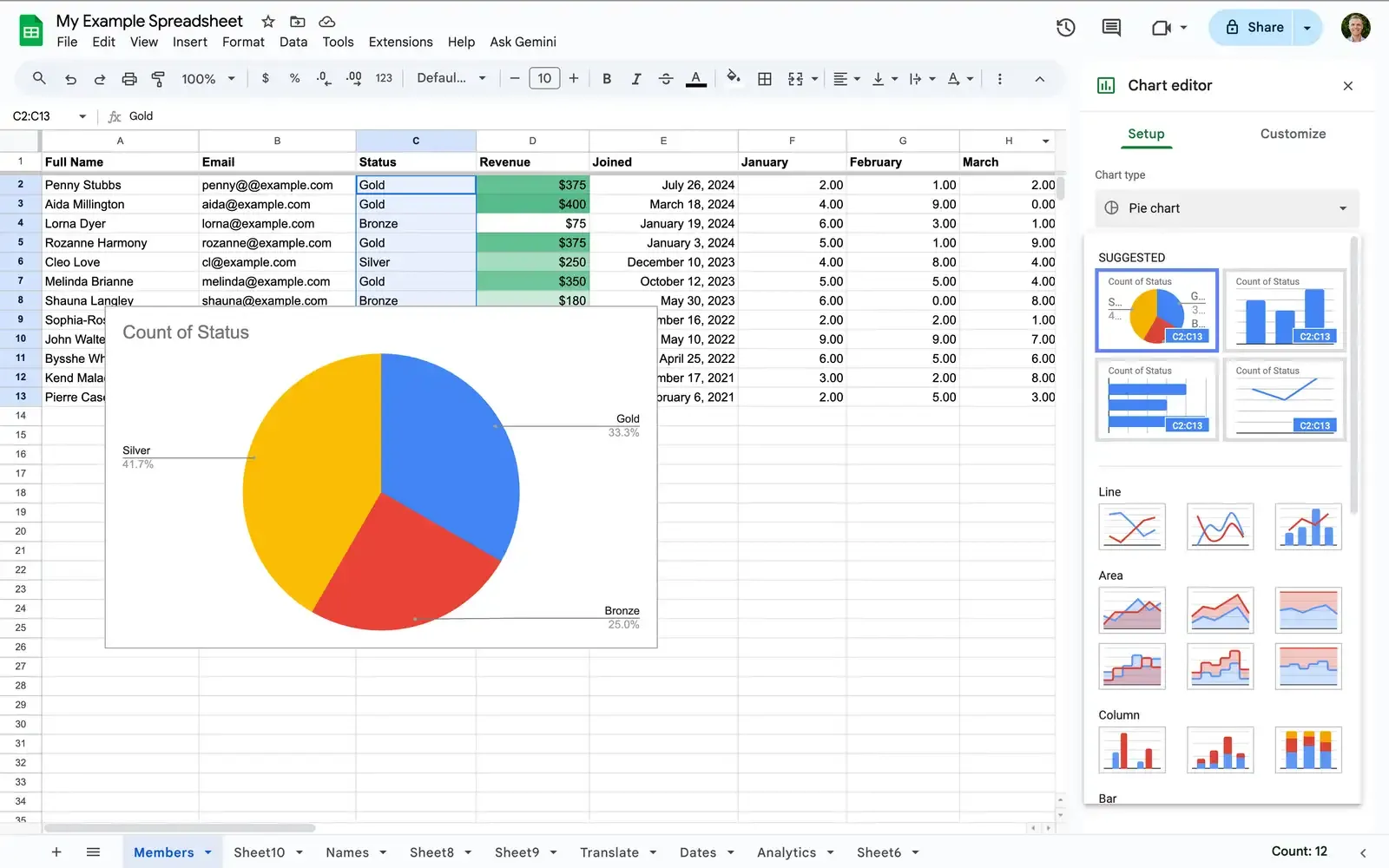
Google Sheets works seamlessly with other Google services. Store files in Drive, use Forms for automatic data collection, or embed spreadsheets directly into Docs and Slides.
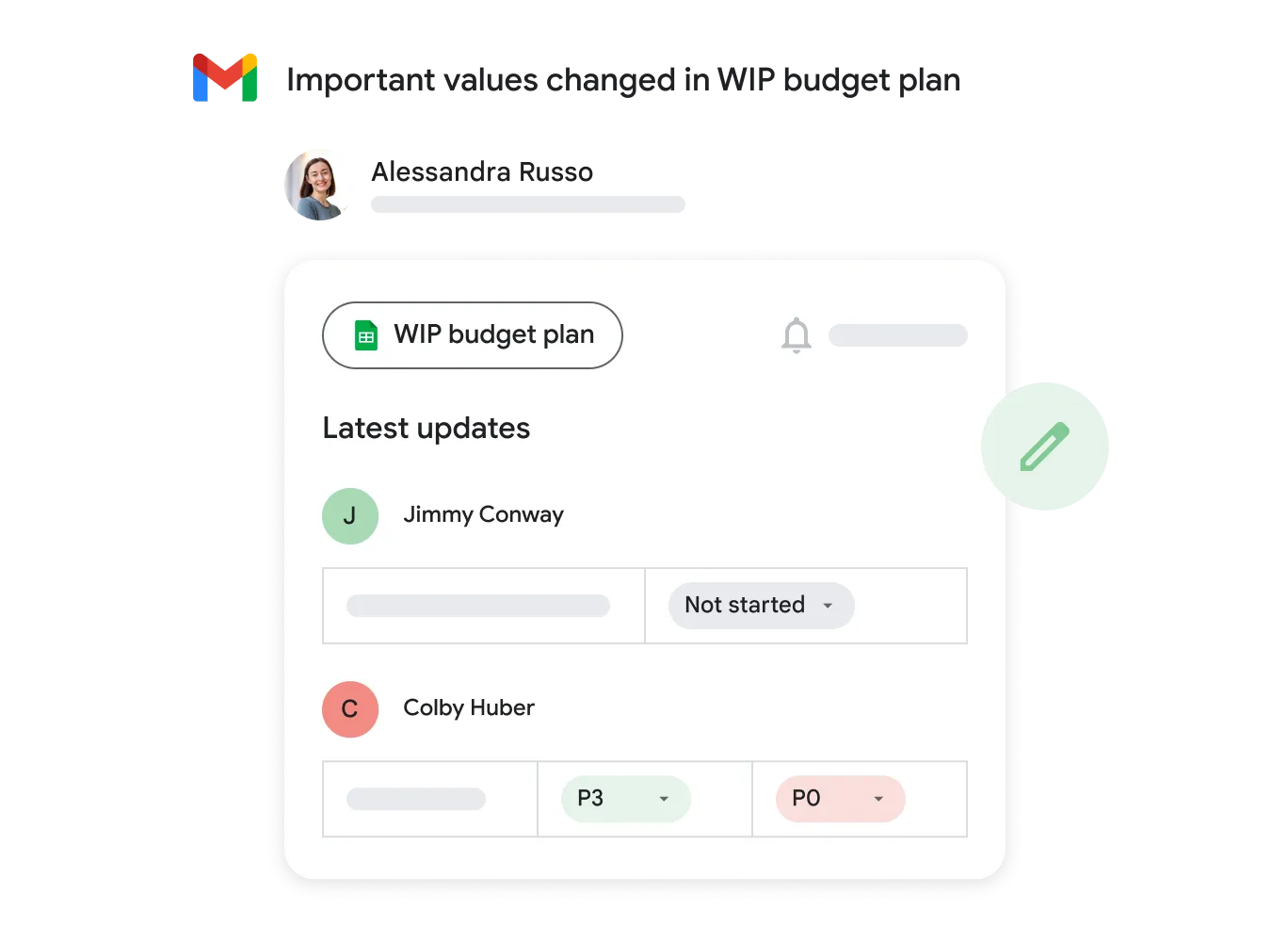
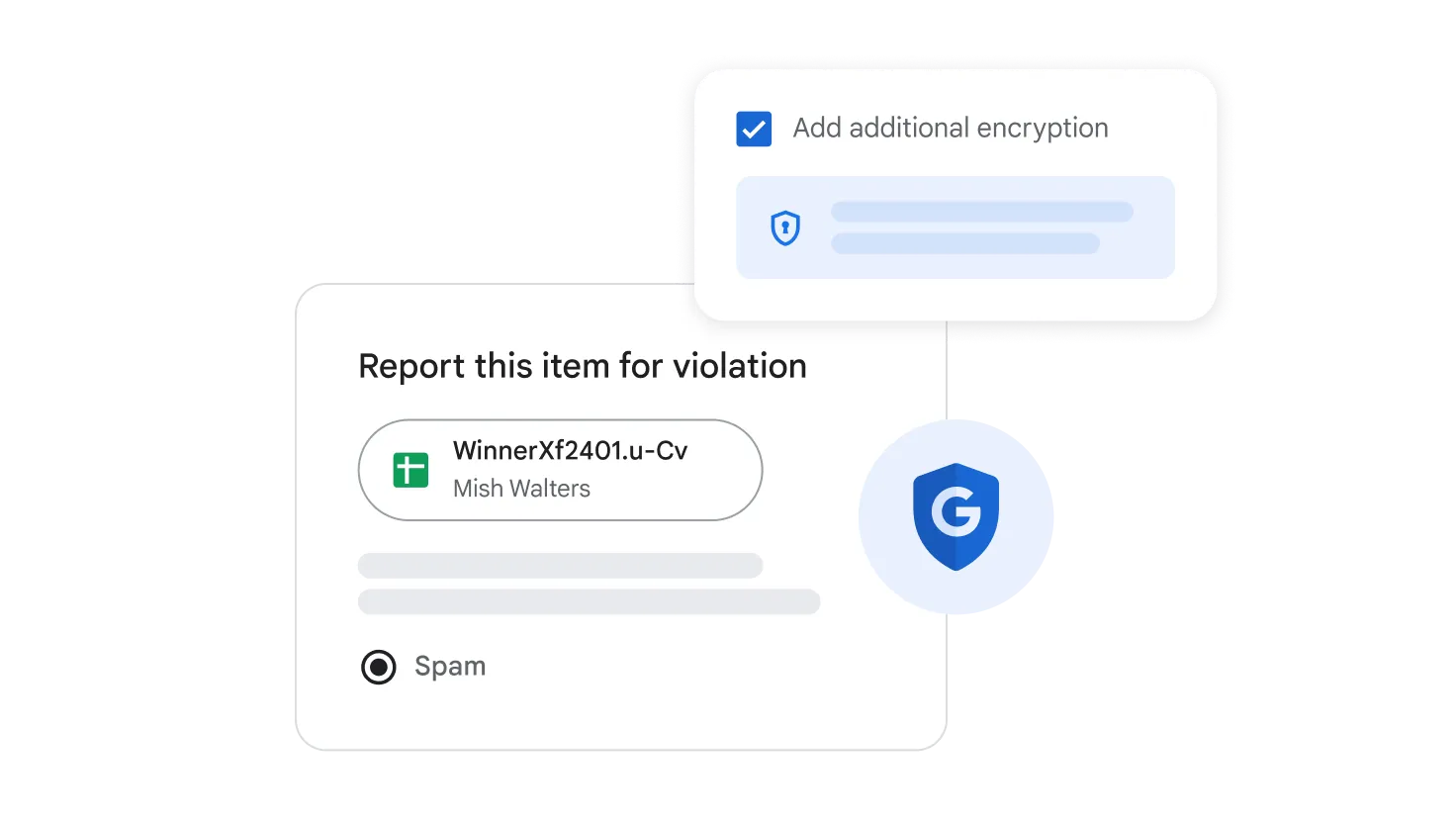
Powerful Data Security
Keep your data protected with Google's industry-leading security standards. Control access, set permissions at the cell, column, or sheet level, and protect sensitive information.
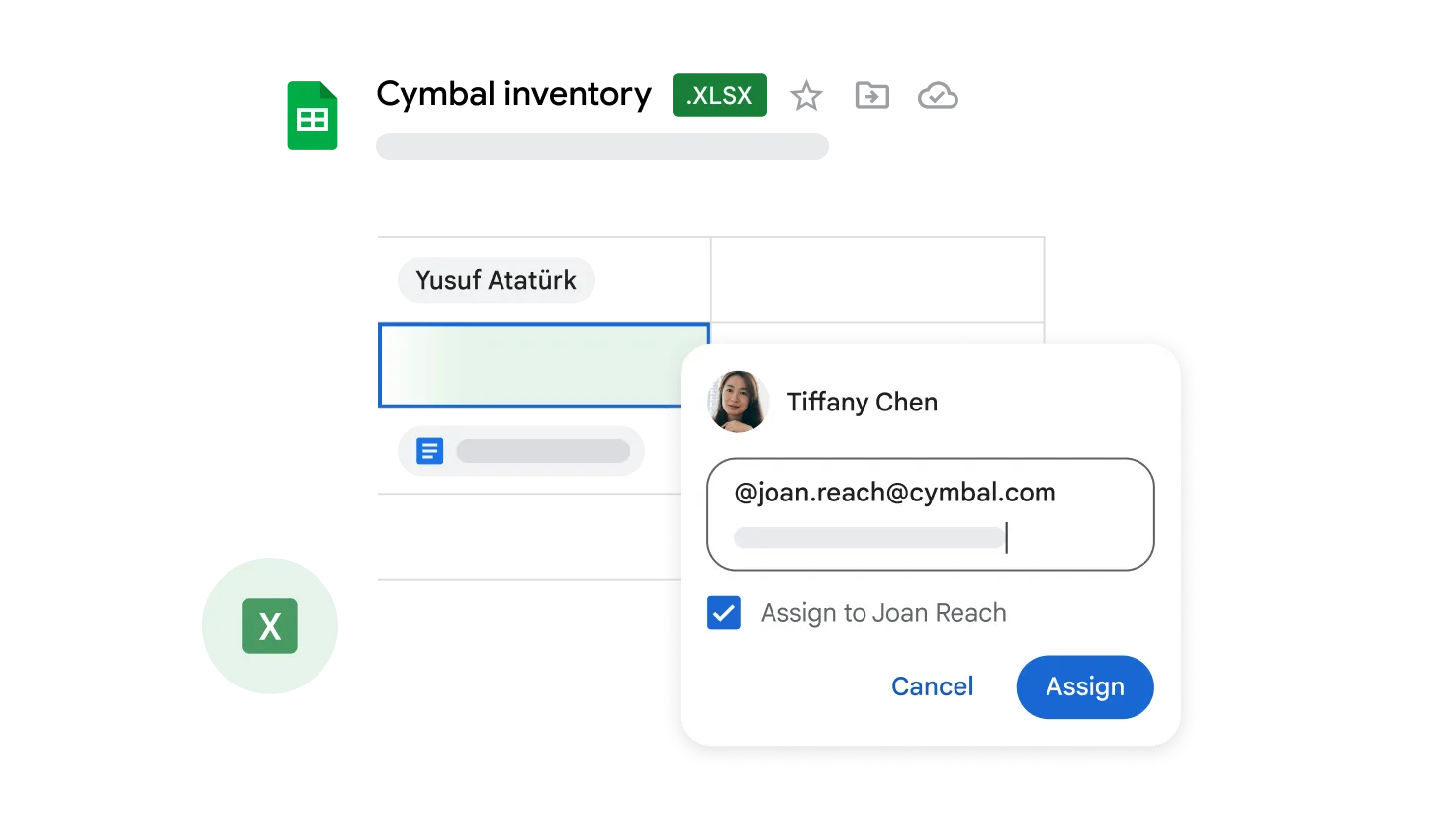
Full Microsoft Excel Support
Open, edit, and save Excel files (.XLS, .XLSX) without corrupting or converting them. CSV exchange with other systems is also effortless.
- Real-Time Collaboration
- Work together on online spreadsheets. See changes instantly with comments placed directly in cells.
- Smart Functions & Formulas
- Hundreds of built-in formulas, Pivot Tables, and AI-powered Smart Fill for pattern recognition.
- Available on All Devices
- Open, edit, and analyze data from your smartphone, tablet, or computer.
Frequently Asked Questions
Google Sheets
Google Sheets is a cloud-based spreadsheet application within Google Workspace. It stands out for its real-time collaboration speed, AI-powered analytics tools, and flexibility.
Yes. Using Google Apps Script, you can create JavaScript-based macros and automations.
Yes. All changes are reflected instantly. You can see exactly which cell someone else is editing. Version history lets you restore any previous state at any time.
With Google Sheets, you can easily export to .xlsx, .ods, .csv, or PDF formats, or send the file directly by email.
Start Using Google Sheets Today
Team analytics, from any device, at any time. Part of Google Workspace.